

Parent/Daughter
Registration 101 - CampInTouch Website

1. Create or Log Into Your CampInTouch Account
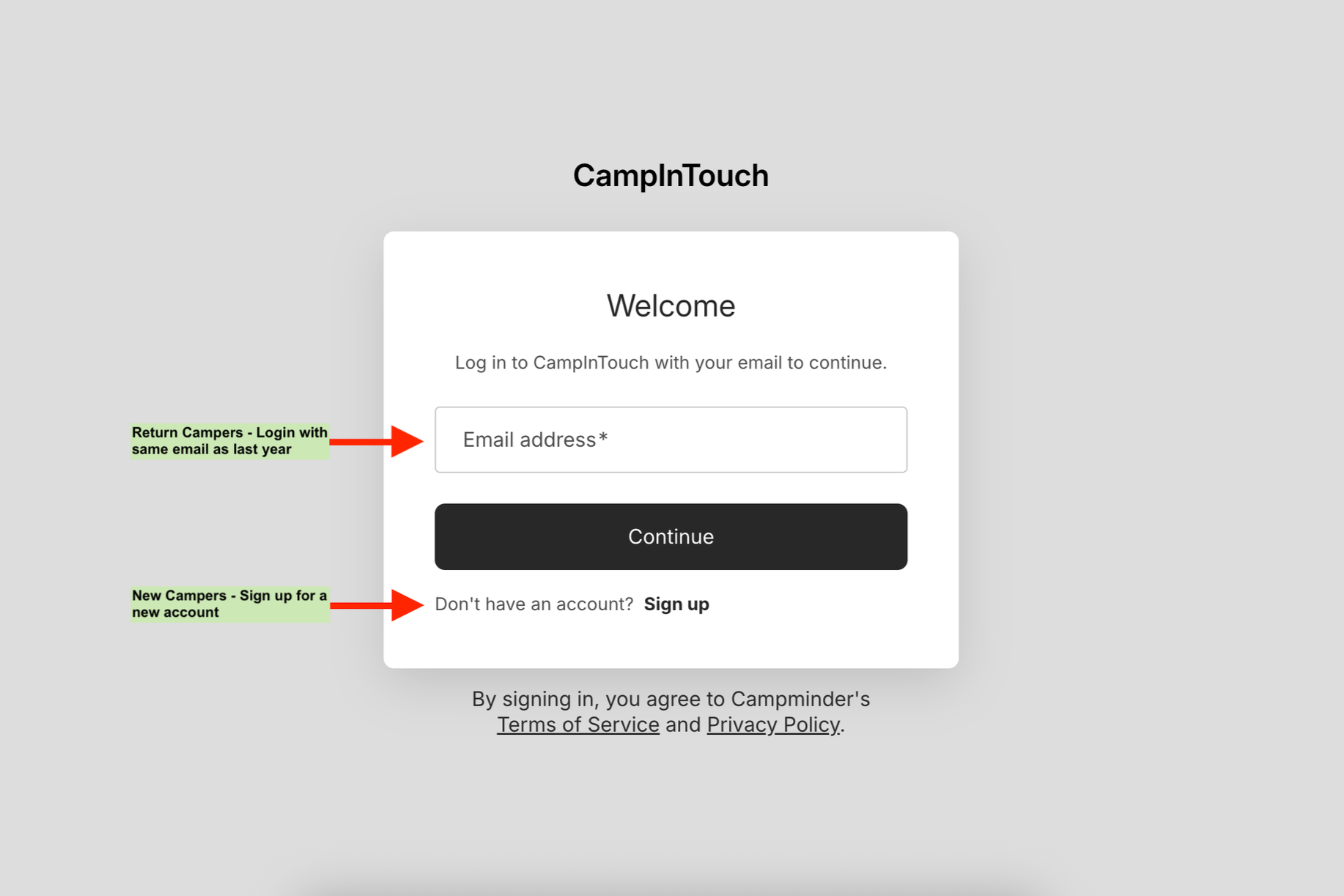
New campers: Create a CampInTouch account on this page.
Returning campers: Log into your existing CampInTouch account here.
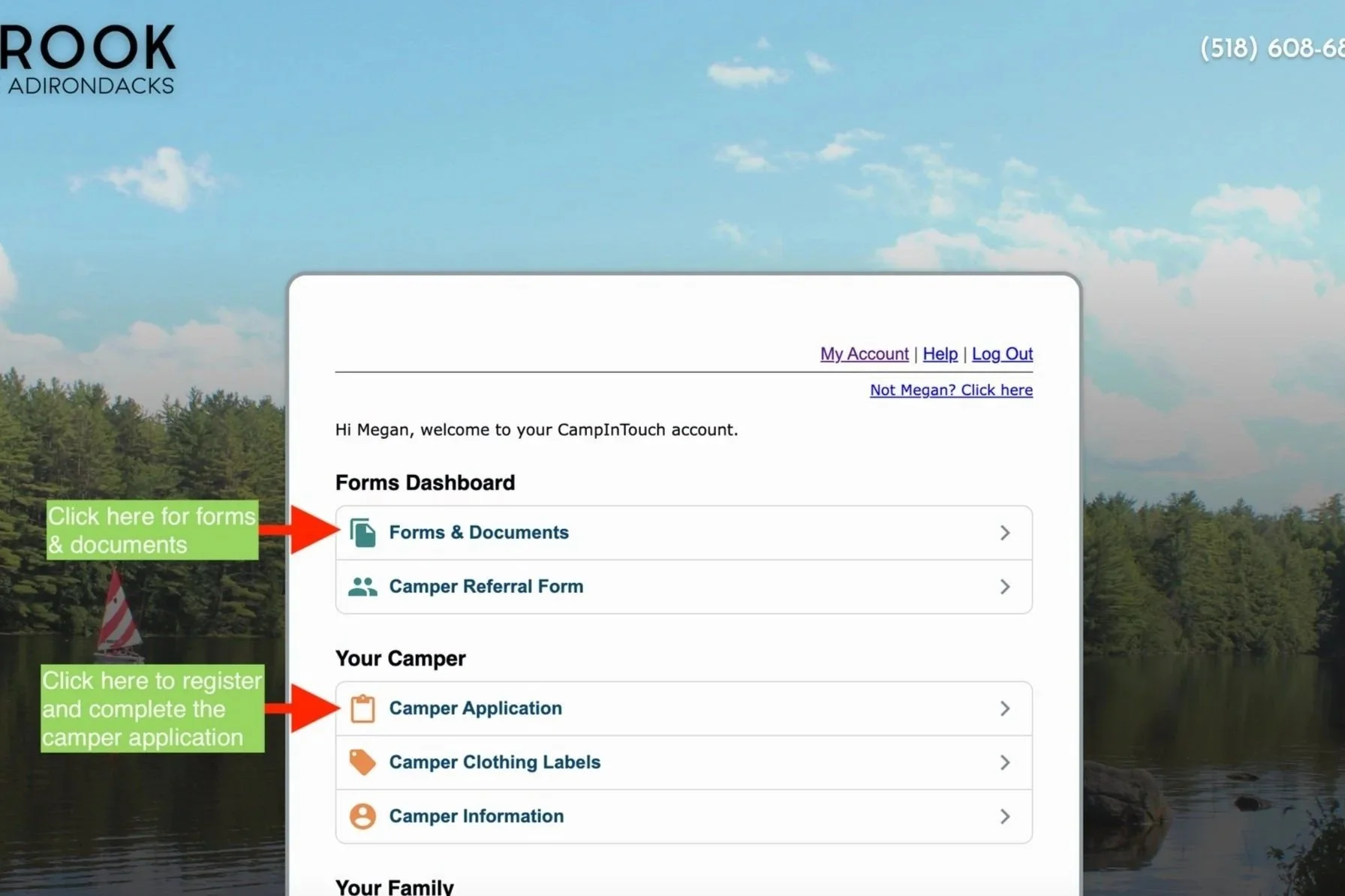
2. Complete the Camper Application
Once you are logged in, you can begin the camper application.
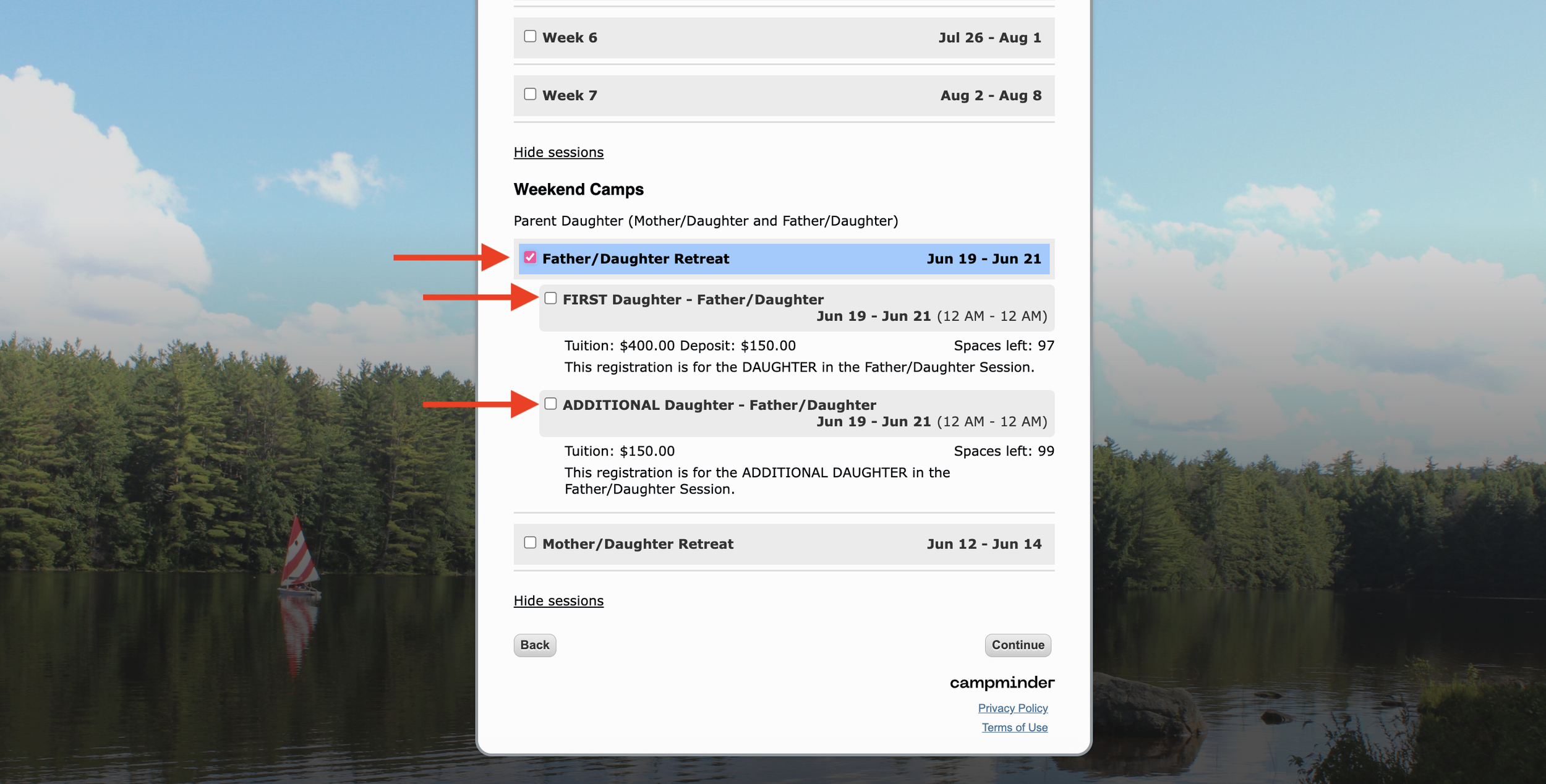
3. Choose Your Session(s)
Select Mother Daughter or Father Daughter. You are selecting for one daughter and any additional daughters. The parent will be added later by the Registrar and will be named “PARENT.”
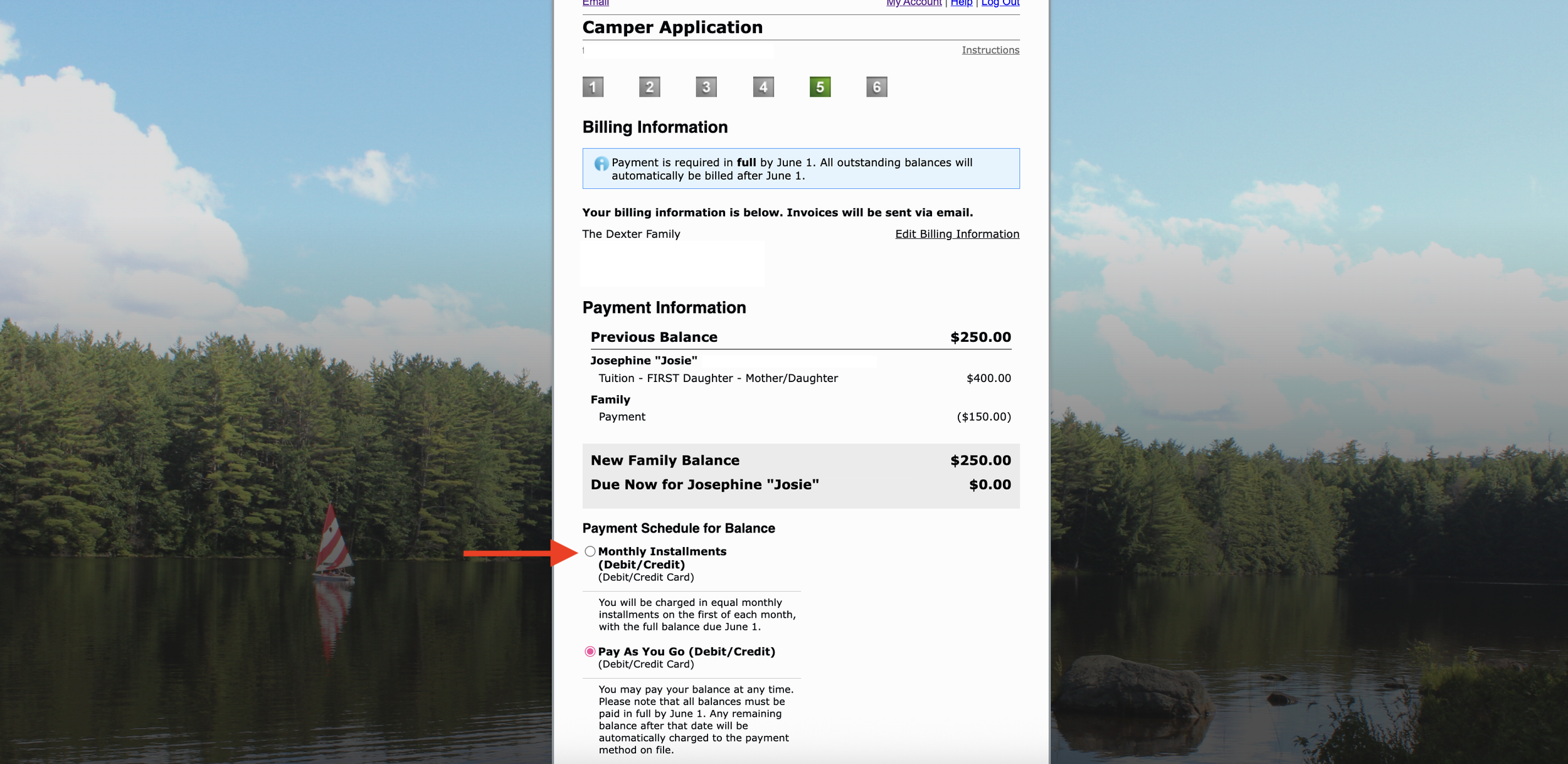
4. Review Your Balance and Make a Payment
On the final page, you’ll see the total balance and payment options.
A deposit is required for each session at the time of registration.
You can choose to:
Set up a payment plan, or
Pay in full.
Final payment is due by June 1.
5. Confirm Your Registration
If your payment is declined or does not go through, your registration will not be completed.
Please check your email for a confirmation message right away.
If you do not receive a confirmation email within 5 minutes, contact the registrar.
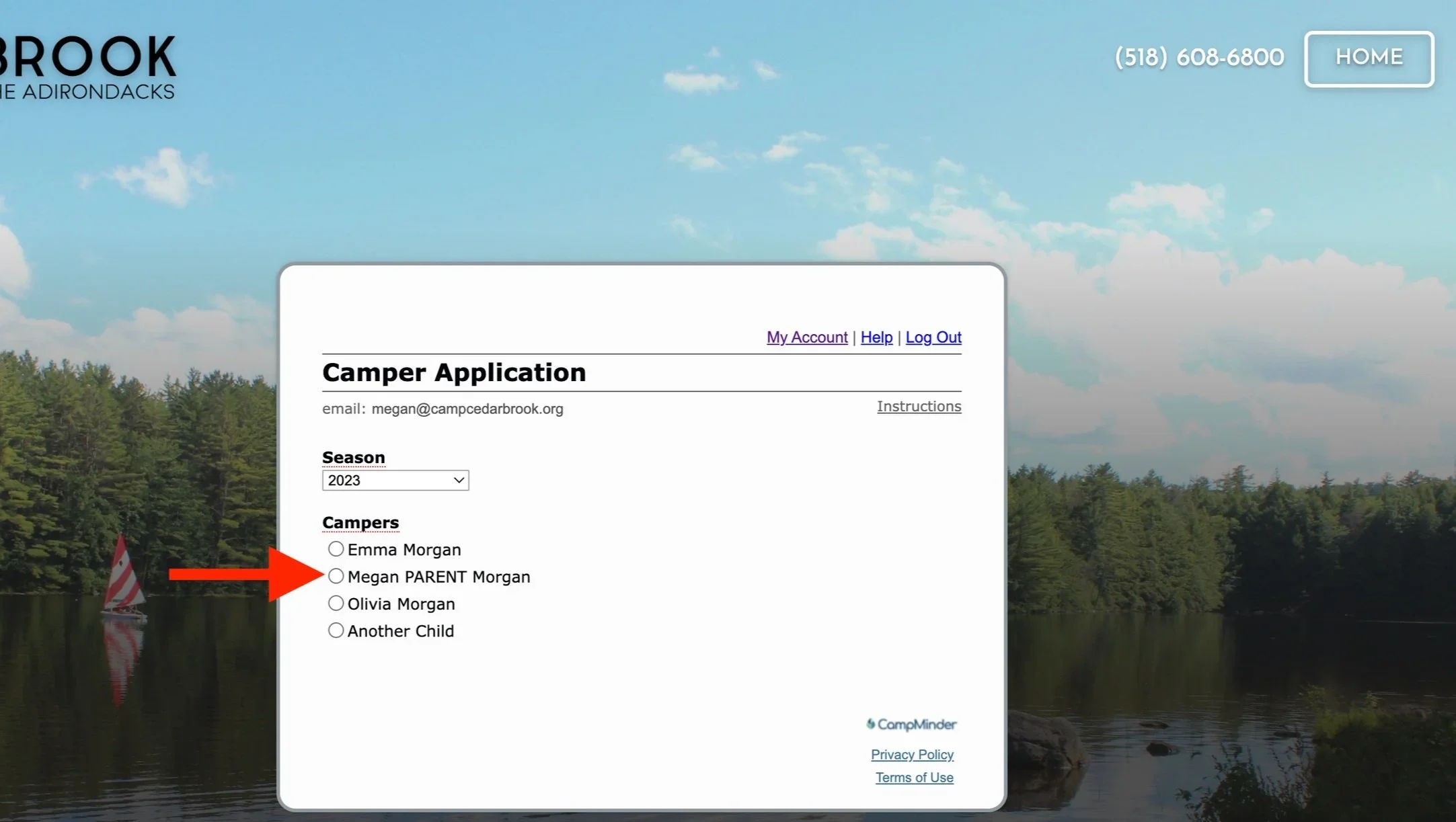
6. Complete “Camper Application” for the “Parent” camper profile
Once you receive an email from the Registrar that a “Parent” profile has been created.
7. Complete forms for both the parent and daughter attending
*Please note, that until the camper application is completed, you will not be able to see any forms for anyone with an incomplete camper application.

You can access all forms through your CampInTouch account once your camper is registered.
Bolded form titles indicate required forms.
Non-bolded forms are optional.
How to Use the Forms Page
Click the form title to complete online forms.
Click the form title to download and complete forms requiring a signature or upload.
Click the upload arrow to submit your completed form.
Form Status
Forms with a gray background are incomplete.
Forms with a white background are complete.
Uploading Paper Forms
To upload a completed paper form, click the “Upload” icon on your CampInTouch Forms page.
You will be prompted to upload the form as a PDF or image file.
If the form was scanned as separate pages, be sure to combine them into a single file before uploading.